 The Account page functions similarly to the Contact page. It displays a summary and details about the account selected. Accounts are saved in the iService database using the same structure as contacts, and have the same basic attributes. They can include a login/email and have their own history (for example, corresponding with and account at a generic address like support@example.com). Account properties are created and edited in the segment Contact Properties page.
One of the primary purposes of the Account page is to provide a summary view of the account. The Linked Contacts page allows you to link any contact to the account, which generates a summary history of every interaction among those contacts.
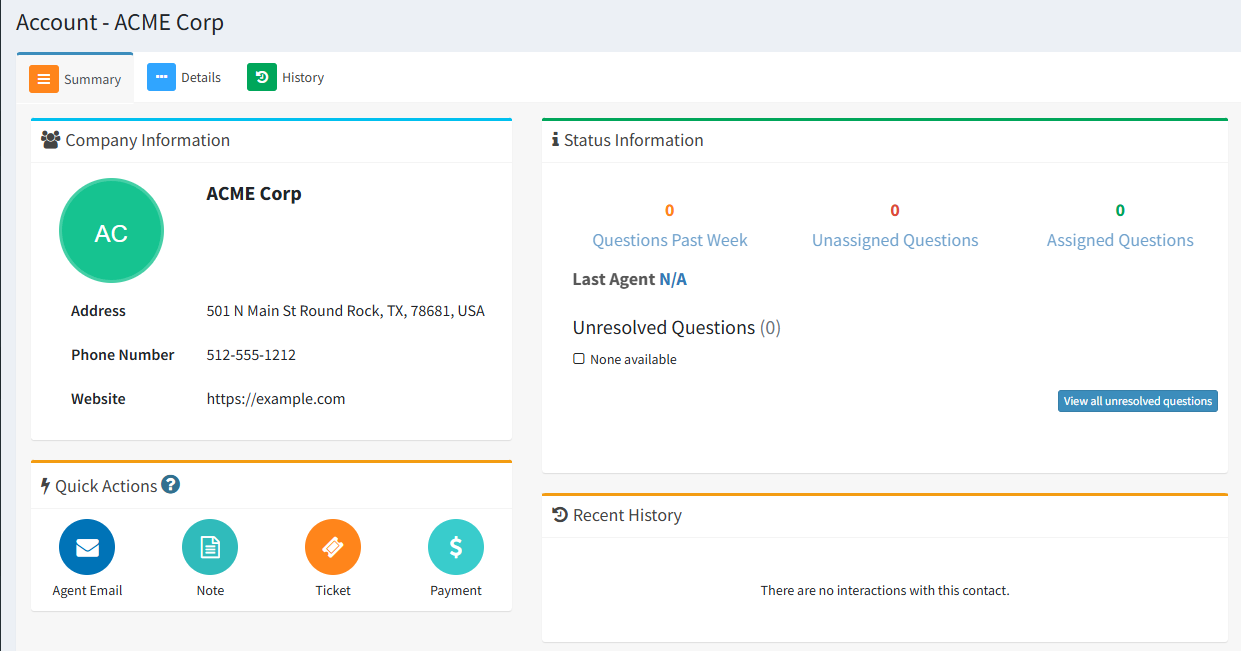
The Account Summary Page
