iService includes a built-in form for processing credit memos. The process automates requesting approval via email, and provides a custom interface for approving or rejecting requests. The form supports single approval and double approval scenarios. The form is built-in and the only configuration required is to create interaction properties and stock responses for the predefined values.
Interaction Properties and Stock Responses
You can name your properties and stock responses using any values desired. Once the elements are created, select them from the drop down menu in the configuration page. The subject lines for tickets and notes can be customized as desired.
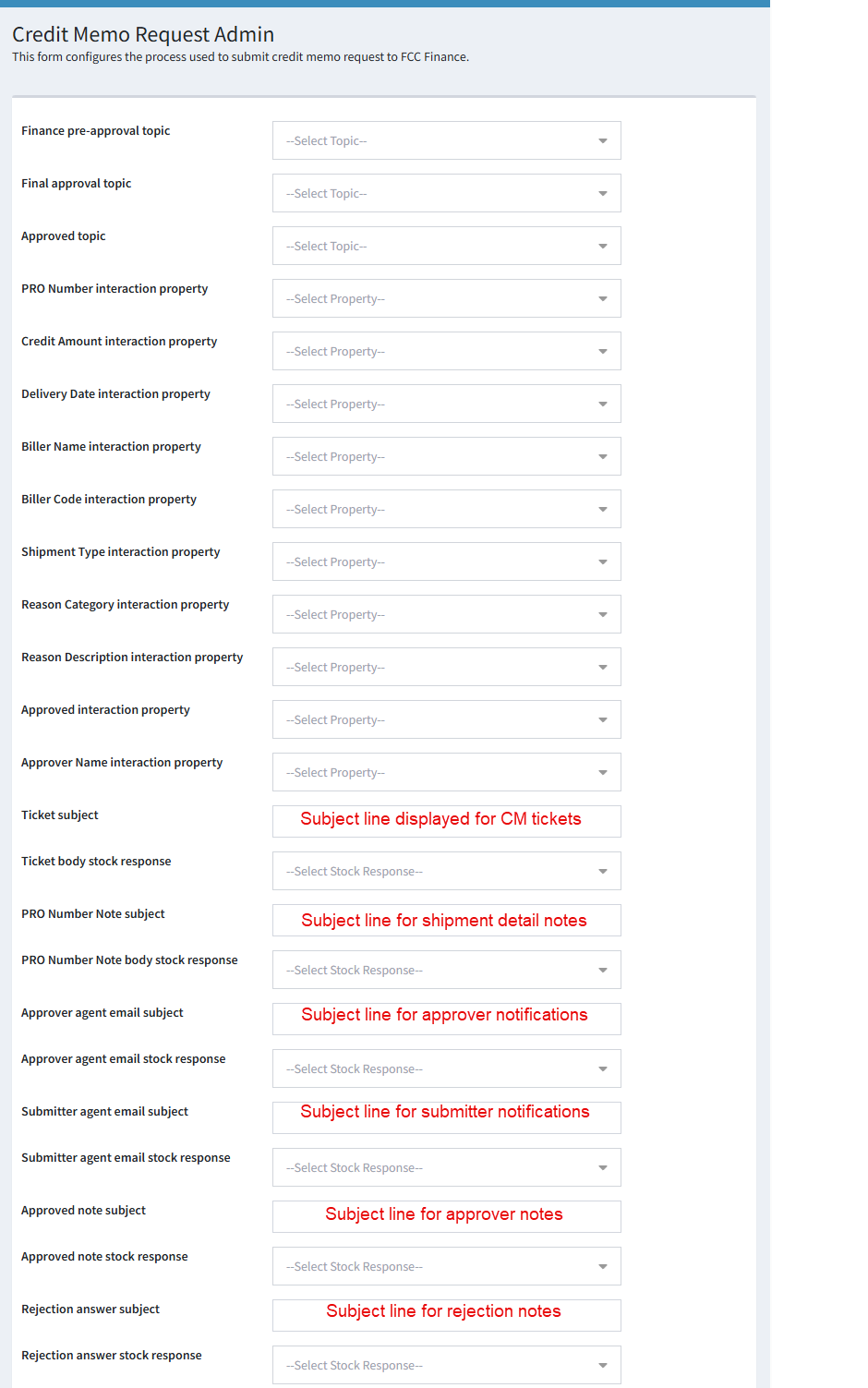
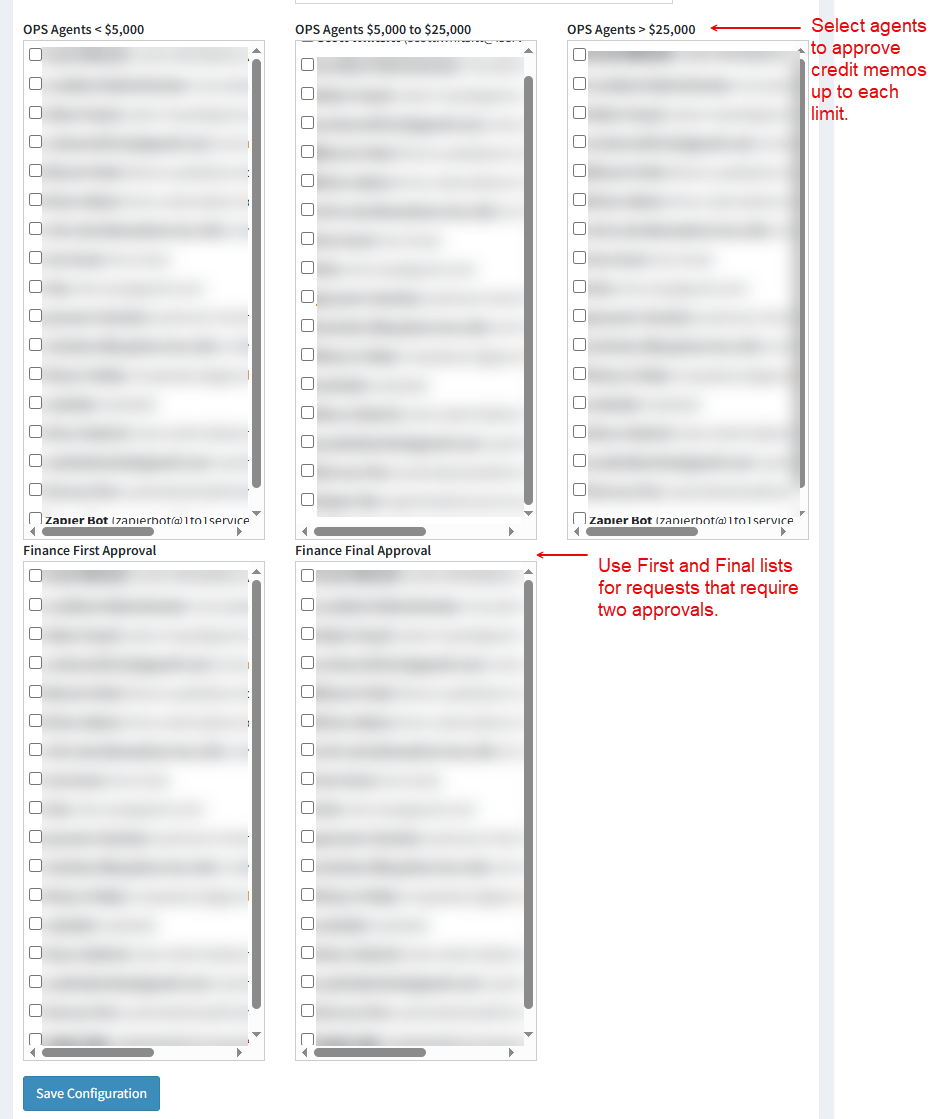
The approvers are selected in each of the five lists below the property and response mapping. All agents from your tenant are listed in each box.
Contact your iService account manager for assistance with customizing the credit memo process for your organization.
