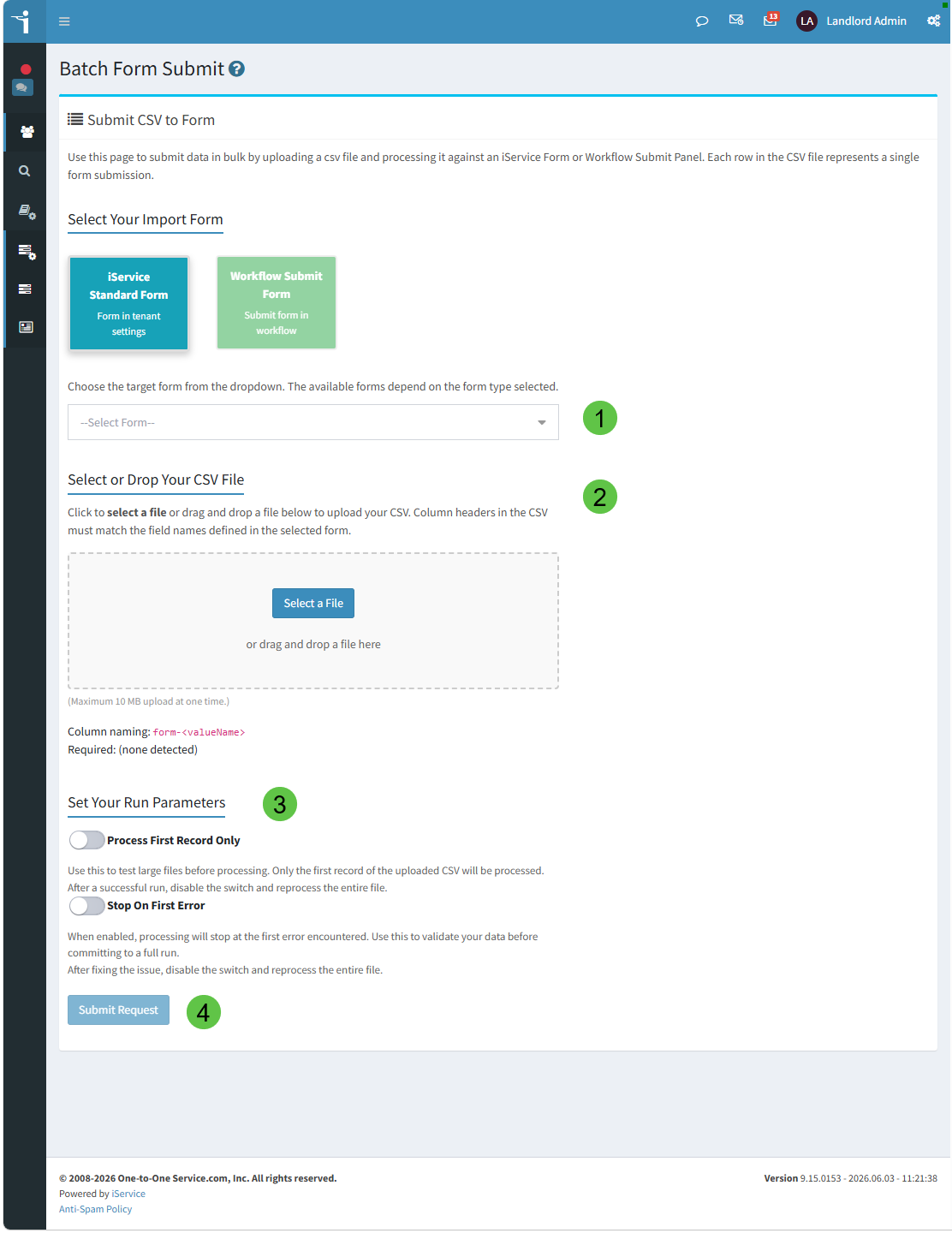
The Batch Form Submit page provides the same functionality as the Windows Batch Form utility, but in your browser.
1 - Select a Standard Form or Workflow Submit form that will process your file.
2 - Select or drop your .csv file for processing.
3 - Select any optional parameters.
4 - Submit the form to process your file.