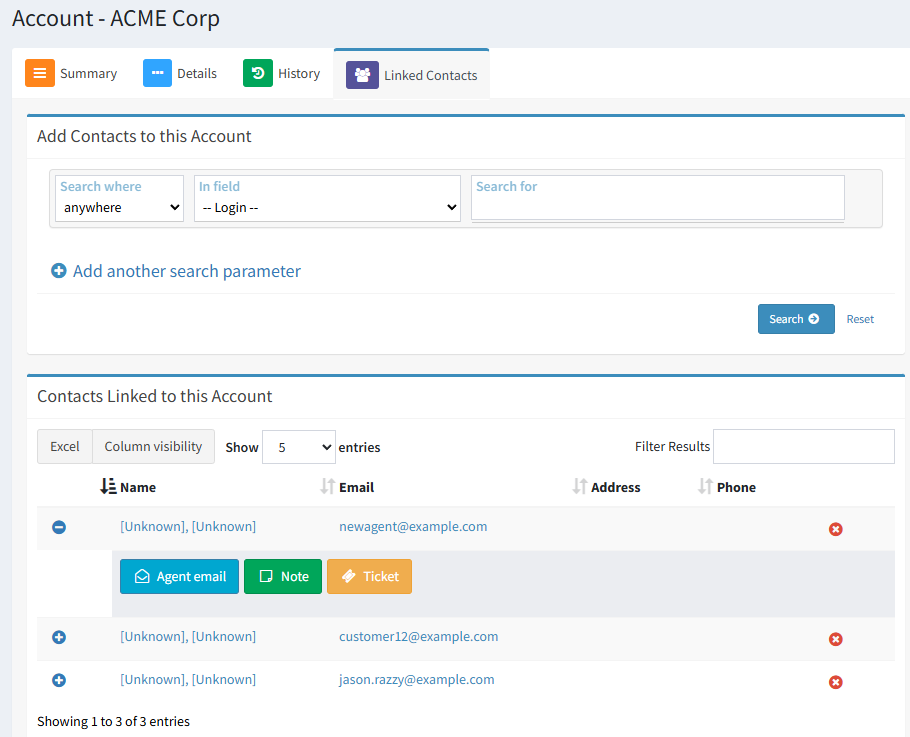
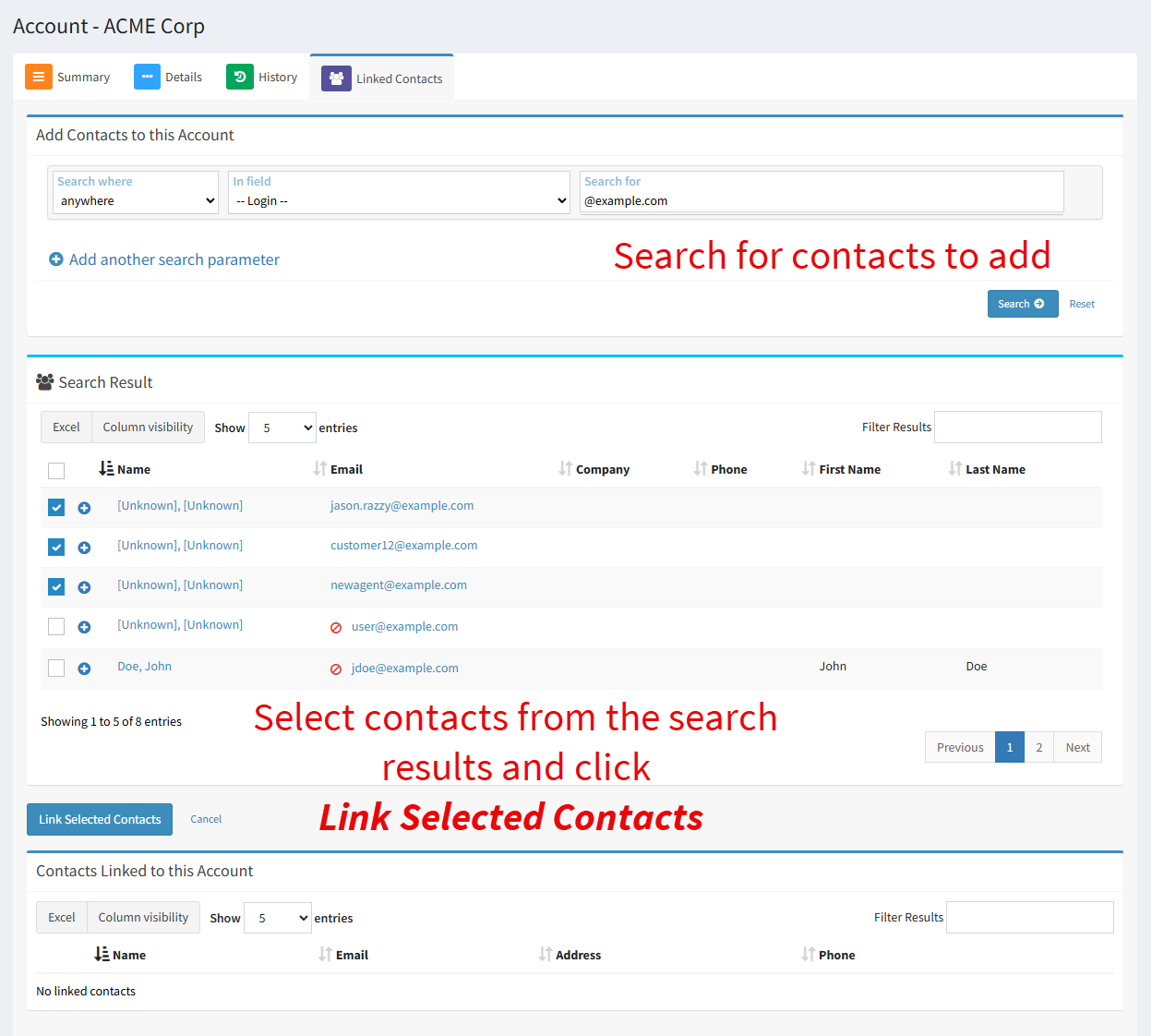
The Linked Accounts tab provides a method for linking and interacting with contacts associated with the account. To link contacts, perform a search to get a list of contacts you can link. Then select the desired contacts and click Link Selected Contacts.
You can create agent emails, notes, and tickets for any of the contacts directly from the Linked Contacts page.